
From picked to packed, with proof at each handoff.
Keep the warehouse moving without losing track of the physical item. Picking and packing workspaces connect the order to barcode checks, parcel details, labels, and shipment progress.
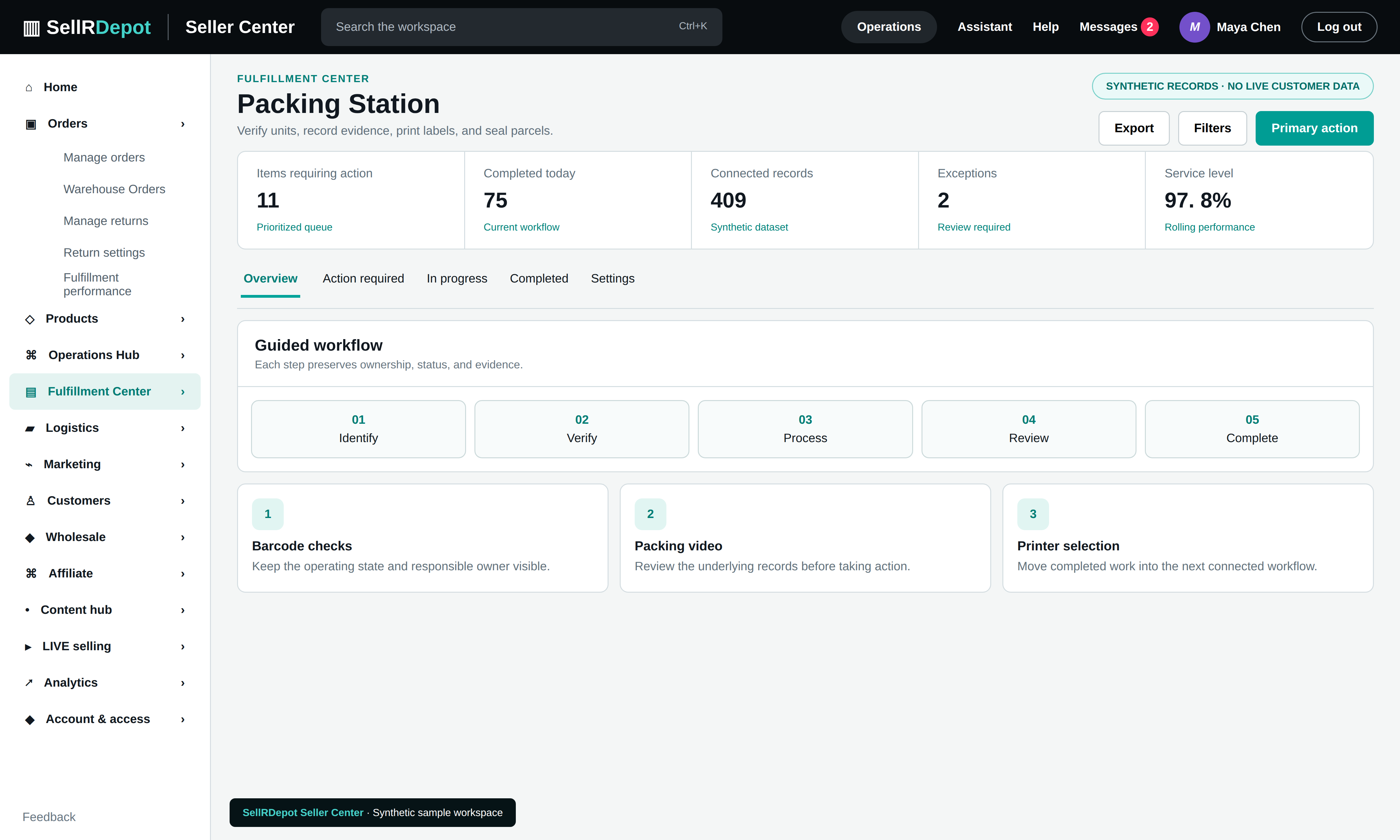
A clear path through the task.
- 01
Pick the right units
Open the warehouse queue and follow product, quantity, and location context for each order.
- 02
Verify the parcel
Scan the physical product during packing and review shortages or mismatches before completion.
- 03
Prepare the handoff
Review parcel grouping, shipping documents, label state, tracking, and carrier collection status.
Evidence belongs with the shipment
Where configured, packing video and scan history stay associated with the relevant order or lot. Label purchase and carrier services depend on marketplace permissions and the shipping method selected for the shop.
When the details matter.
The barcode does not match the order
Packing verification can stop the handoff while the team checks the product, quantity, and related lot.
A shipment has no printable label
Staff can distinguish a shipment record from a cached document and investigate label status before sending the parcel.
Common questions
Can packing be recorded?
Order- or lot-linked packing evidence is available where recording has been configured for the workflow.
Are carrier labels always purchased automatically?
No. Label availability depends on the shop, carrier option, marketplace permissions, and the shipment state.