
TikTok Shop orders, with a clear next step.
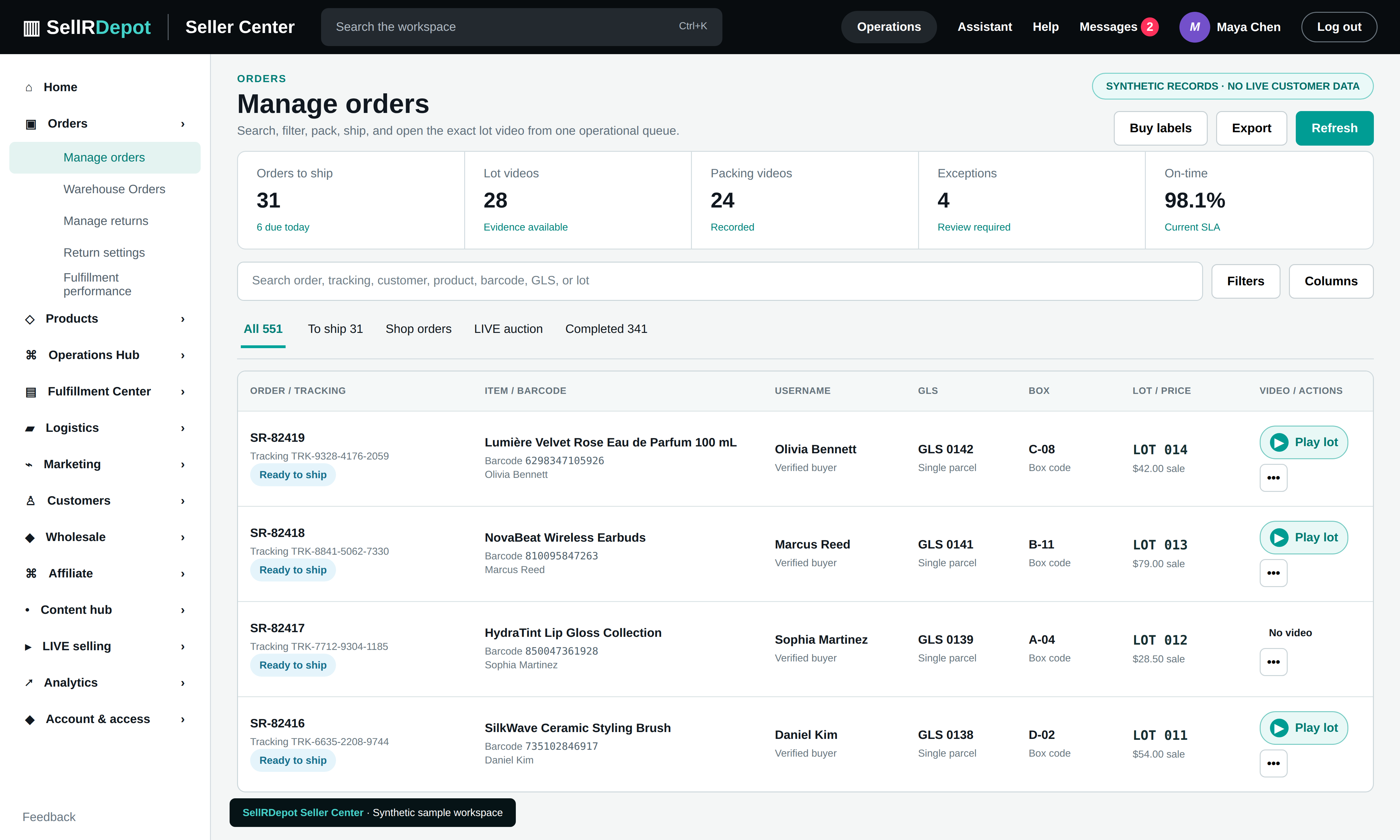
A busy order queue needs more than an order number. SellRDepot keeps products, buyer context, shipping progress, lot references, and exceptions together so your team can decide what to work on next.
A clear path through the task.
- 01
Find the order
Search by order, product, customer, tracking reference, or live session where that information is available.
- 02
Review the exception
See missing labels, packing progress, holds, and deadlines alongside the underlying order.
- 03
Hand off the work
Move from the order record to picking, packing, shipping, or customer support with the same context.
See the order and the work around it
Combined parcels, label status, order-linked video evidence, and warehouse actions can be reviewed alongside the original transaction. Available fields and actions depend on the connected channel and its approved permissions.
When the details matter.
An order is close to its shipping deadline
The team can open the order, check whether a label exists, see its packing state, and decide who needs to act before the deadline.
Several orders belong in one parcel
Review the related orders and items together before preparing a combined shipment, subject to the marketplace shipping rules.
Common questions
Can I search by tracking number?
The order workspace can use a tracking reference when one has been recorded for the shipment.
Does every channel expose the same fields?
No. Order details and available actions vary with each channel connection and the permissions that the seller approves.