
Inventory your warehouse team can act on.
Stock figures matter only when they match what is on the shelf and what has already been promised. Give product, receiving, and warehouse teams a shared view of availability and exceptions.
A clear path through the task.
- 01
Find the product
Review the product record, identifiers, available quantity, and related sales context.
- 02
Resolve the discrepancy
Investigate low stock, unavailable units, receiving issues, and lot or location details.
- 03
Keep fulfillment aligned
Use stock context while planning picking and packing, so exceptions are visible before handoff.
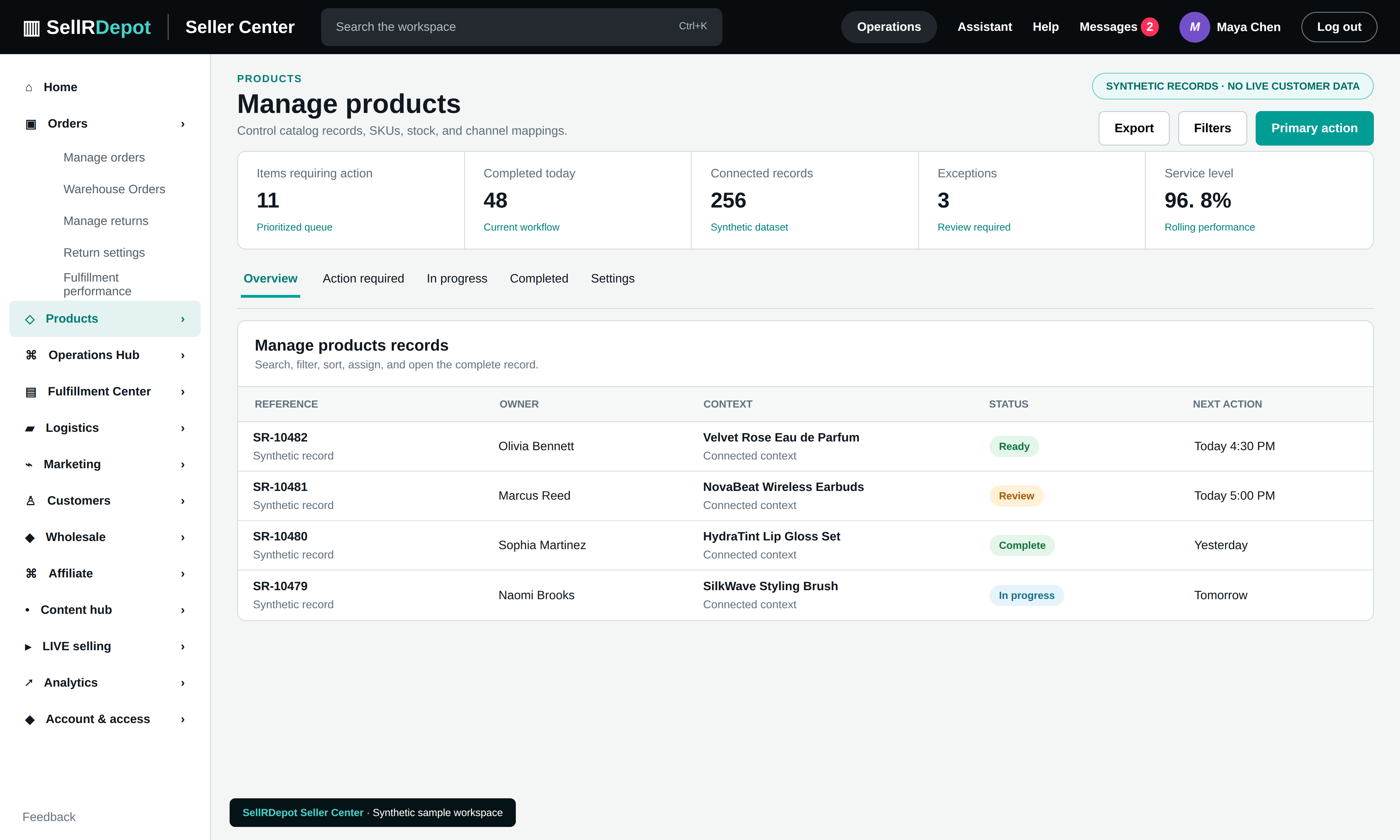
A product view connected to daily operations
SellRDepot brings catalog and warehouse information into the same workspace as orders. Stock synchronization and marketplace publishing depend on the channel, authorization, and configured integration.
When the details matter.
A product reaches zero available units
The team can identify the SKU, inspect existing commitments, and investigate whether physical receiving or an adjustment is needed.
A lot or location does not match the order
Warehouse staff can use product and lot context to investigate the discrepancy before packing the wrong unit.
Common questions
Is stock published to every marketplace automatically?
No. Stock synchronization depends on a supported, authorized channel connection and its configuration.
Can I see product issues before packing?
Product and stock exceptions can be reviewed as part of the order and warehouse workflow.