
Customer support that starts with the order.
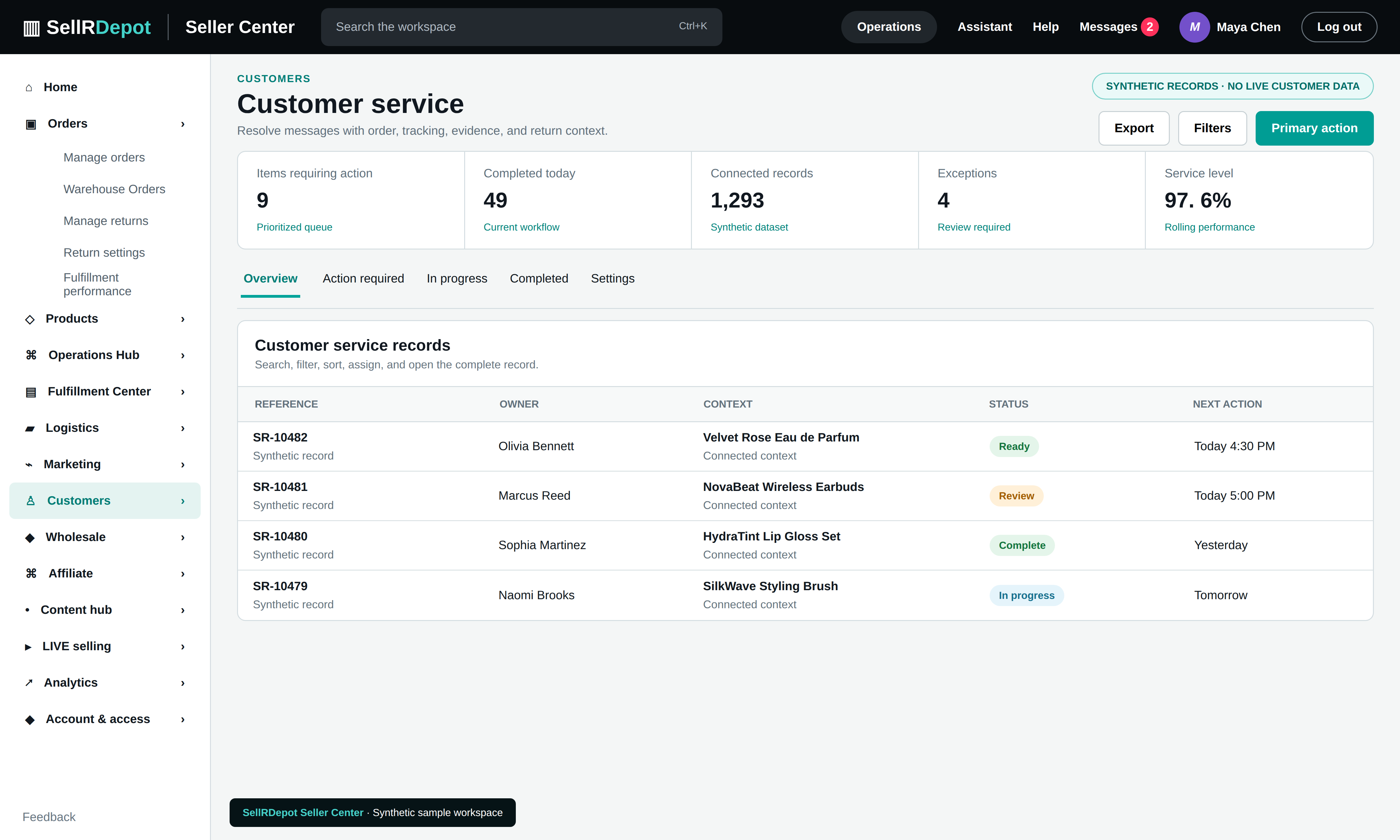
Customers ask about deliveries, products, and returns. Give your support team the transaction history and current operational state before they respond.
A clear path through the task.
- 01
Find the customer context
Open the related order, products, shipment milestones, and past interactions.
- 02
Assign the next action
Give an owner to questions that need warehouse, shipping, or returns follow-up.
- 03
Record the resolution
Keep notes and relevant evidence with the case so the next teammate can continue.
Less switching between teams
Available message sources and reply actions depend on the connected marketplace, approved scopes, and seller configuration. The order record remains the common reference for the team.
When the details matter.
A buyer asks where a parcel is
Support can review the order and shipment milestones before responding or assigning a carrier follow-up.
A customer reports a damaged item
The case can be connected to the original product, return request, inspection evidence, and prior communication.
Common questions
Can staff share a single login?
Individual accounts and role-based access are used so actions can be attributed to the right person.
Will every marketplace message appear here?
Message availability depends on the channel connection and the approved permissions.